Case study · Flexisaf final projectKhadijah — Junior Product Designer | UI/UX Designer

One place for educators to build a whole course.

Educators juggle scattered, disconnected tools, so building a course is slow. I designed a course builder where they create, organise and structure modules, lessons and quizzes in one place.

Fig. 00 — Prototype walkthrough, 56 sec
9Final screens
2Personas
3Competitors reviewed
1Clickable prototype
01 / ProblemBrief

The tools are scattered, so course creation is slow.

Educators struggle to structure their course content because the tools they use are scattered and don’t talk to each other.

Creating a lesson takes longer than it should, and the results come out inconsistent. So I designed a course builder where they can create and organise modules, lessons and quizzes in one place.

02 / ResearchCompetitor analysis

What three competitors taught me.

Limitation

Time was short, so competitor analysis is the only research I did. No interviews, no other research.

Friction

Teachable

Asks for billing details too early

Teachable’s free trial takes you through account creation and then asks for full billing and address details before you see a single course-building tool. A first-time user has every reason to hesitate.

Access

Coursera

No way in without a sales process

Coursera’s Course Builder sits behind an enterprise or university sales process. There’s no self-serve trial, so an individual creator can’t even try it without becoming an institutional customer.

Simplicity

Notion

Easy to start, maybe too open

Notion was the easiest of the three to get into: a simple layout, calendar integration and a built-in AI agent ready to help. The learning curve is low, but all that open-endedness could overwhelm a novice creator if I copied it directly.

What I took from this for the Creator Studio

  1. Cut the friction
  2. Keep it self-serve
  3. Balance simplicity with structure
03 / PersonasAssumptions

Who I designed for.

Heads up

These two personas for the Creator Studio are my assumptions, not interview findings. I didn’t run any user interviews.
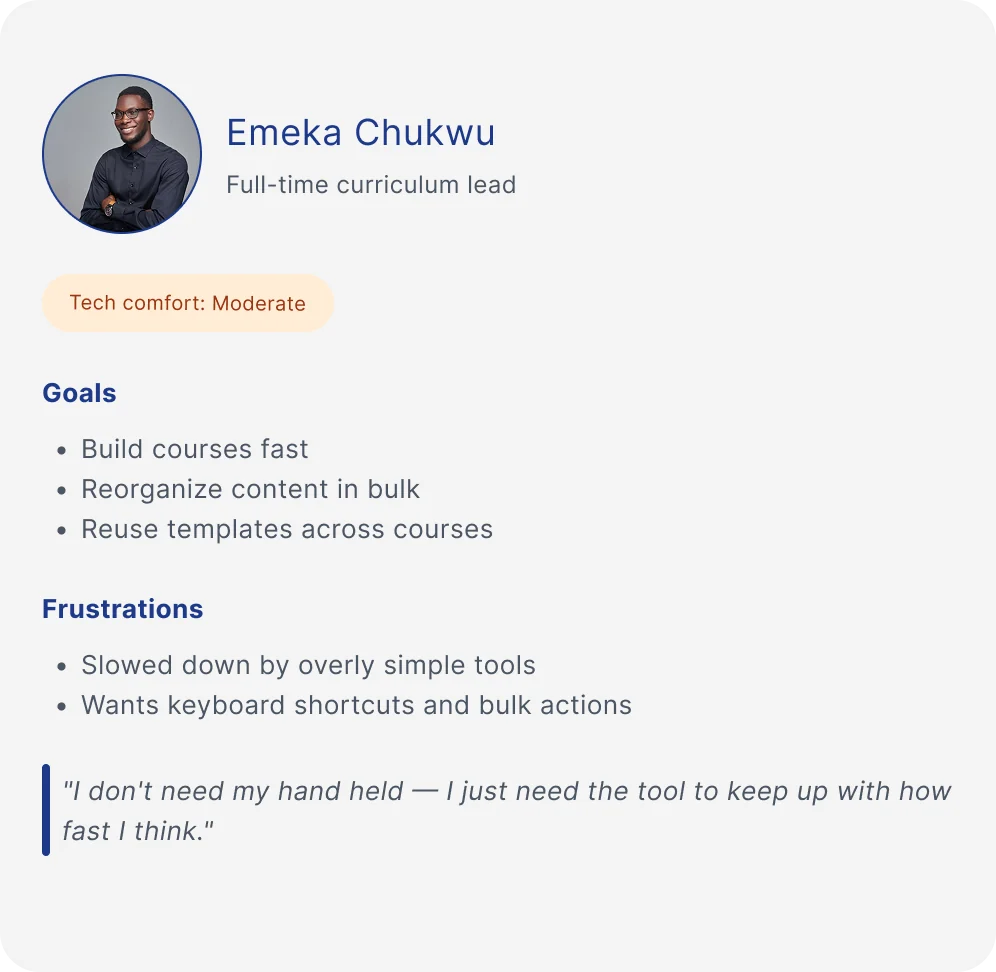
Persona card for Emeka Chukwu, full-time curriculum lead, tech comfort: moderate. Goals: build courses fast, reorganize content in bulk, reuse templates across courses. Frustrations: slowed down by overly simple tools, wants keyboard shortcuts and bulk actions.
P1Persona
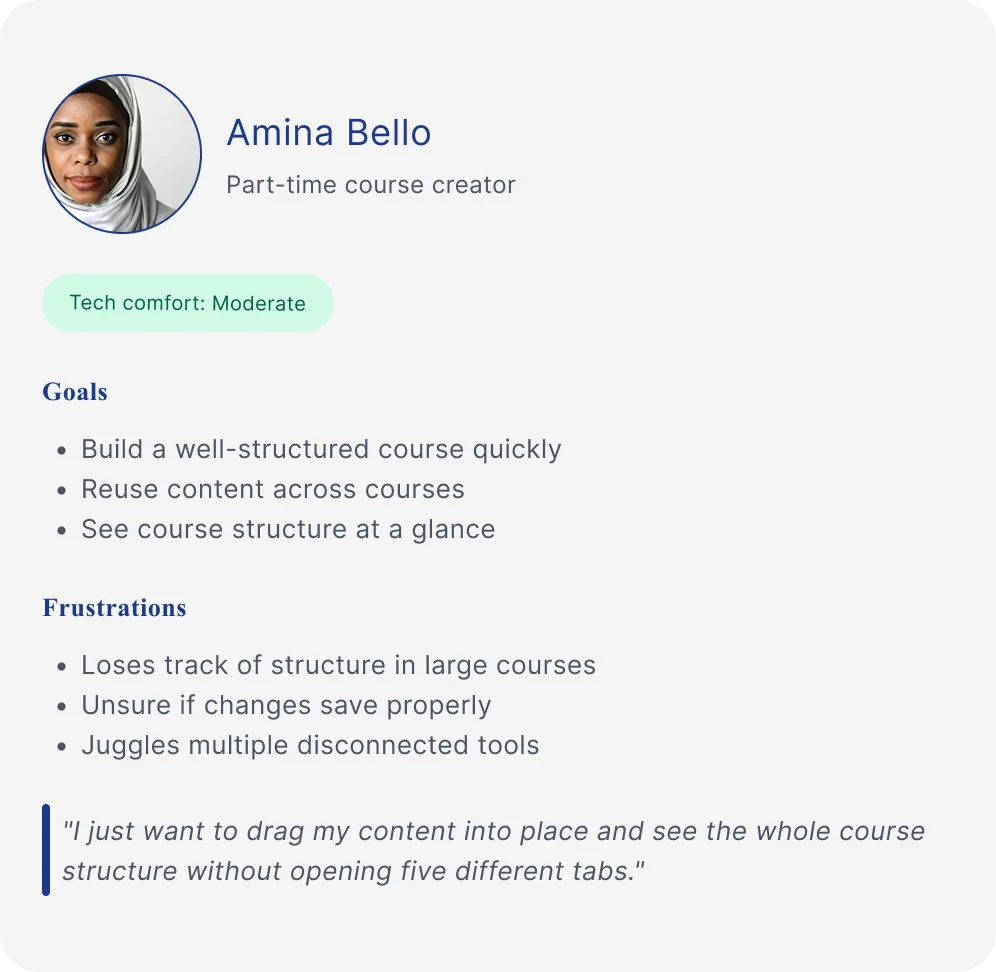
Persona card for Amina Bello, part-time course creator, tech comfort: moderate. Goals: build a well-structured course quickly, reuse content across courses, see course structure at a glance. Frustrations: loses track of structure in large courses, unsure if changes save properly, juggles multiple disconnected tools.
P2Persona
04 / User journey8 steps

From logging in to publishing.

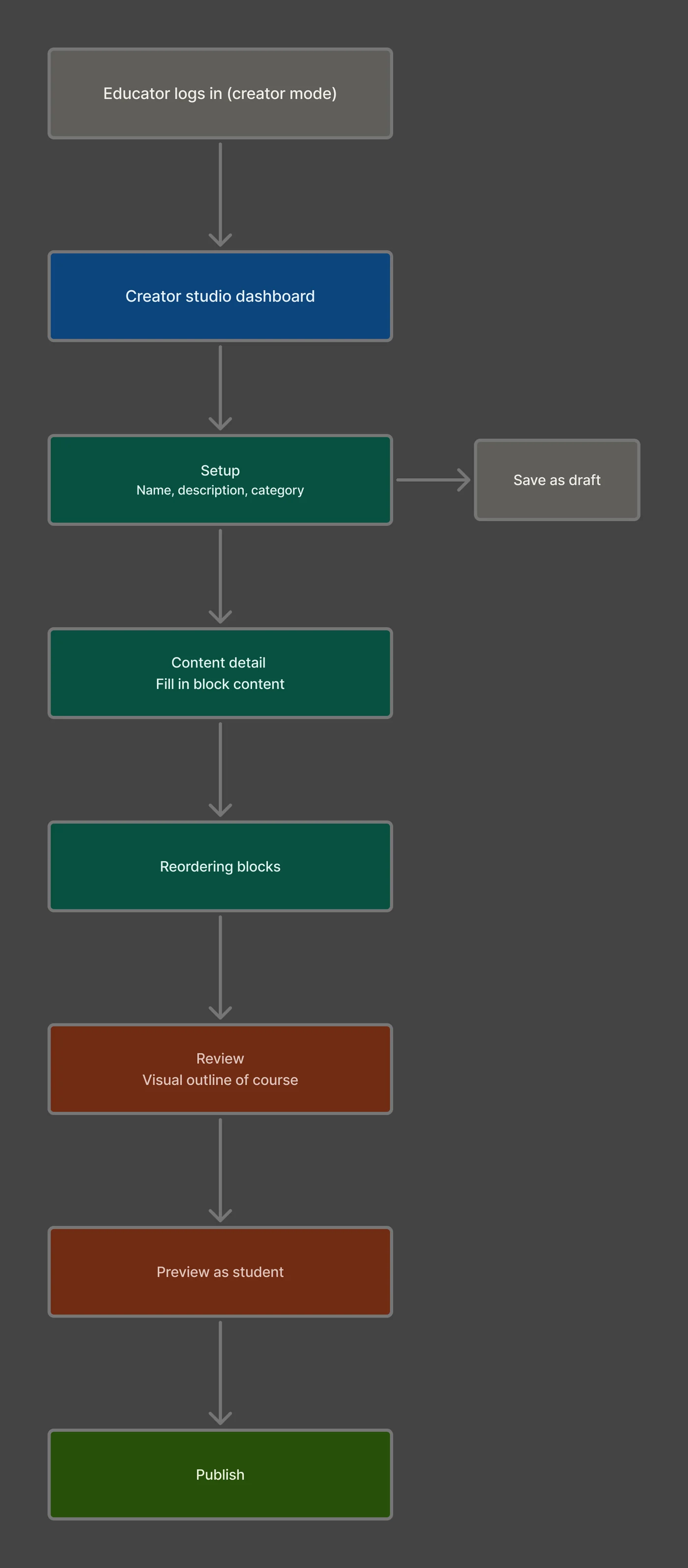
  1. Educator logs inCreator mode
  2. Creator studio dashboard
  3. SetupName, description, category, with a side step to save as draft
  4. Content detailFill in block content
  5. Reordering blocks
  6. ReviewA visual outline of the course
  7. Preview as student
  8. Publish
Flowchart of the educator’s path: Educator logs in (creator mode), Creator studio dashboard, Setup (Name, description, category) with a side step to Save as draft, Content detail (Fill in block content), Reordering blocks, Review (Visual outline of course), Preview as student, Publish.
J1Full flowchart
05 / WireframesPaper to low-fi

From paper to wireframes.

I sketched on paper first, then turned the sketches into low-fidelity wireframes.
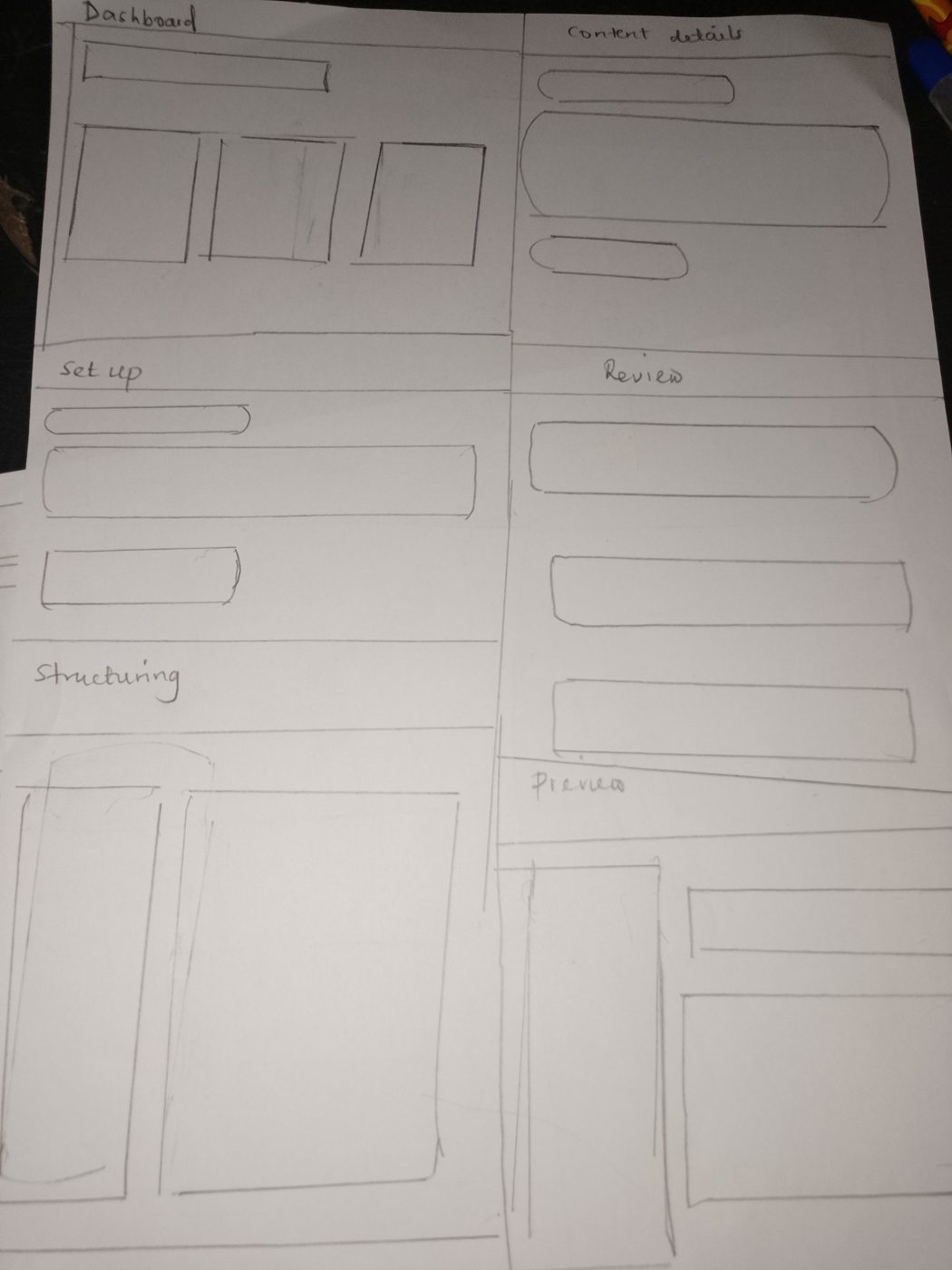
Hand-drawn wireframe sketches on paper.
W1Hand-drawn sketch
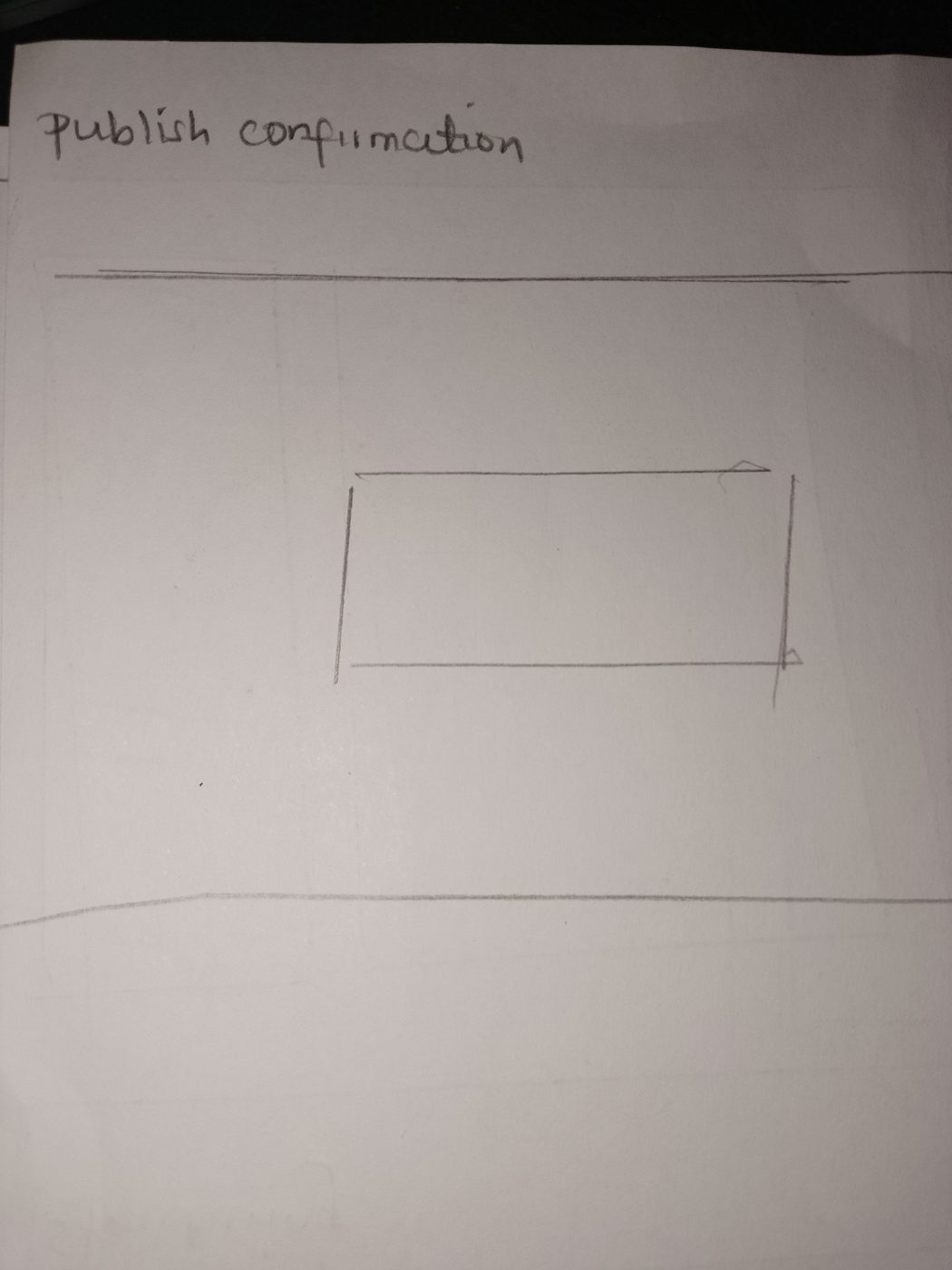
Hand-drawn sketch labelled publish confirmation.
W2Hand-drawn sketch
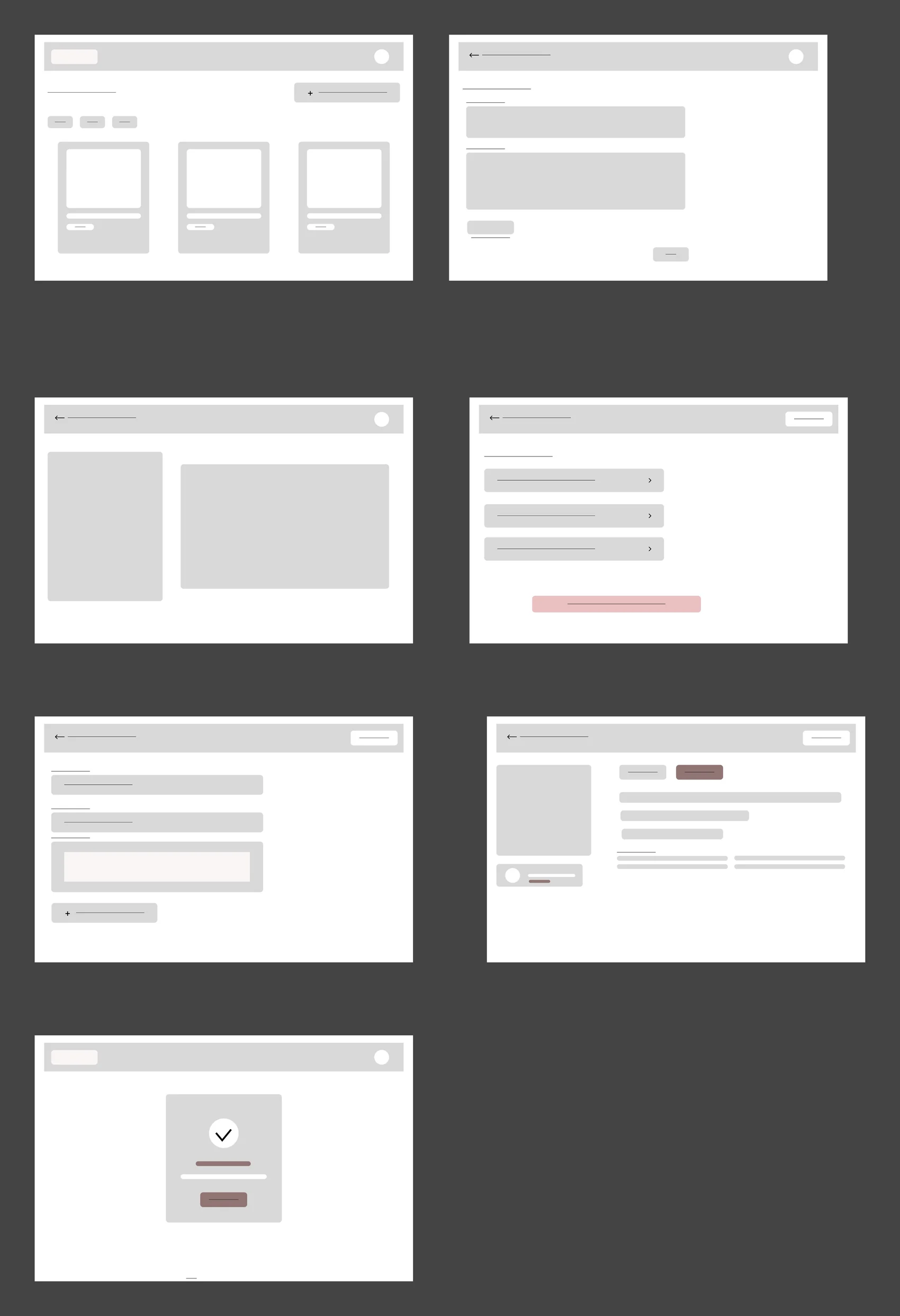
Low-fidelity grey wireframes of the course builder screens.
W3Low-fidelity wireframes
06 / High fidelity9 screens

The final screens.

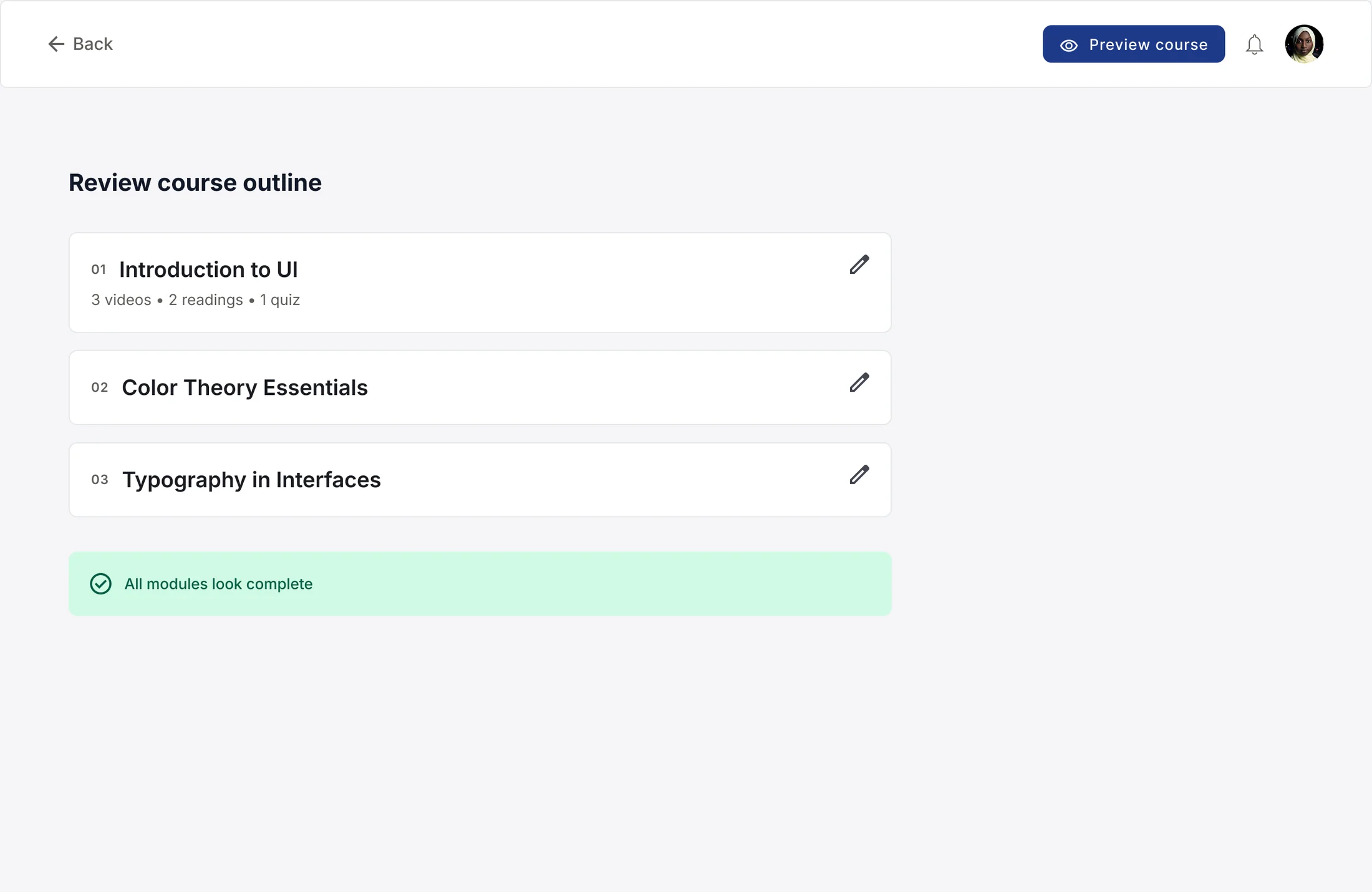
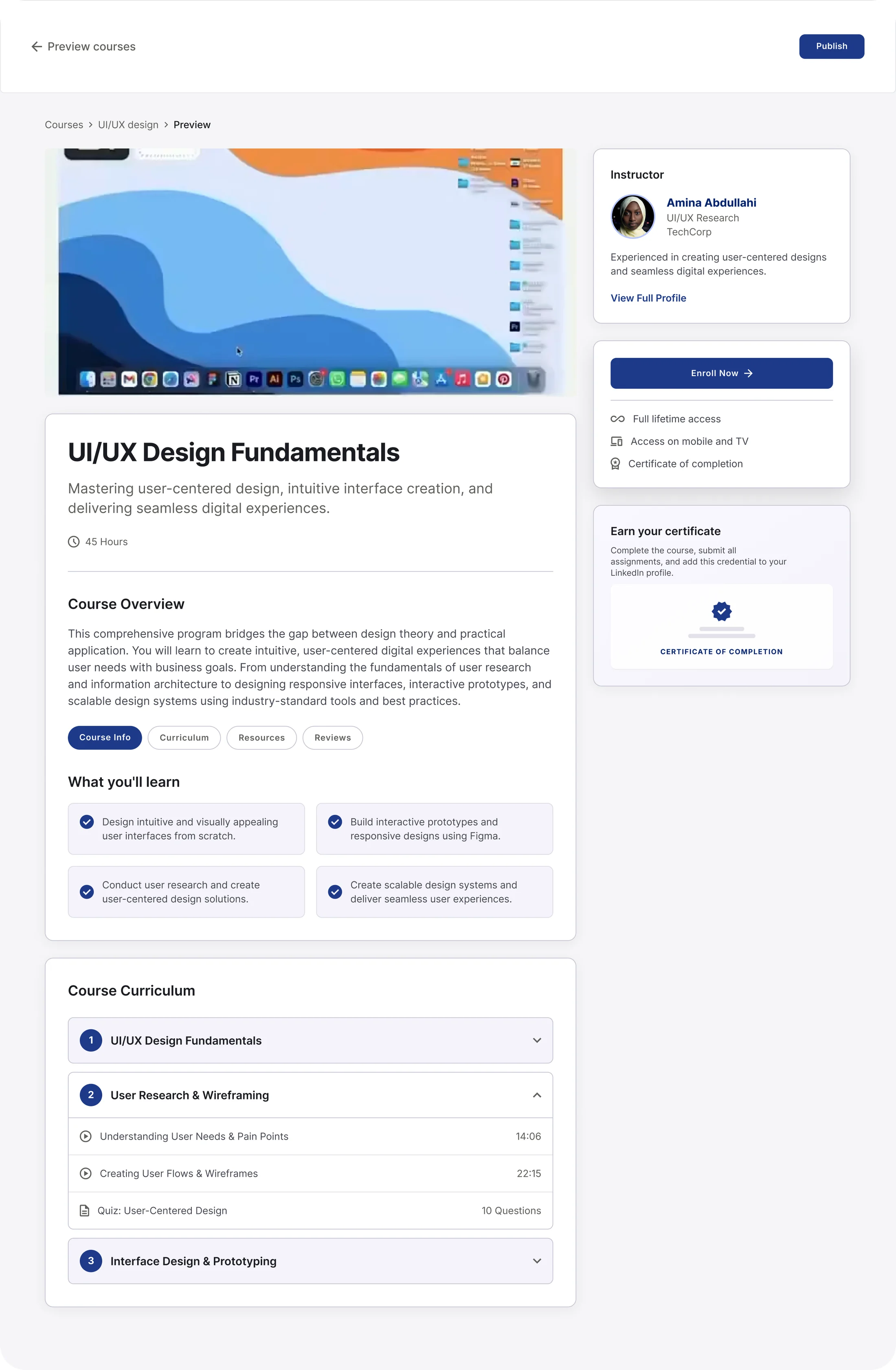
From the course dashboard to adding content, reviewing, publishing and previewing the course.

Click any screen to enlarge
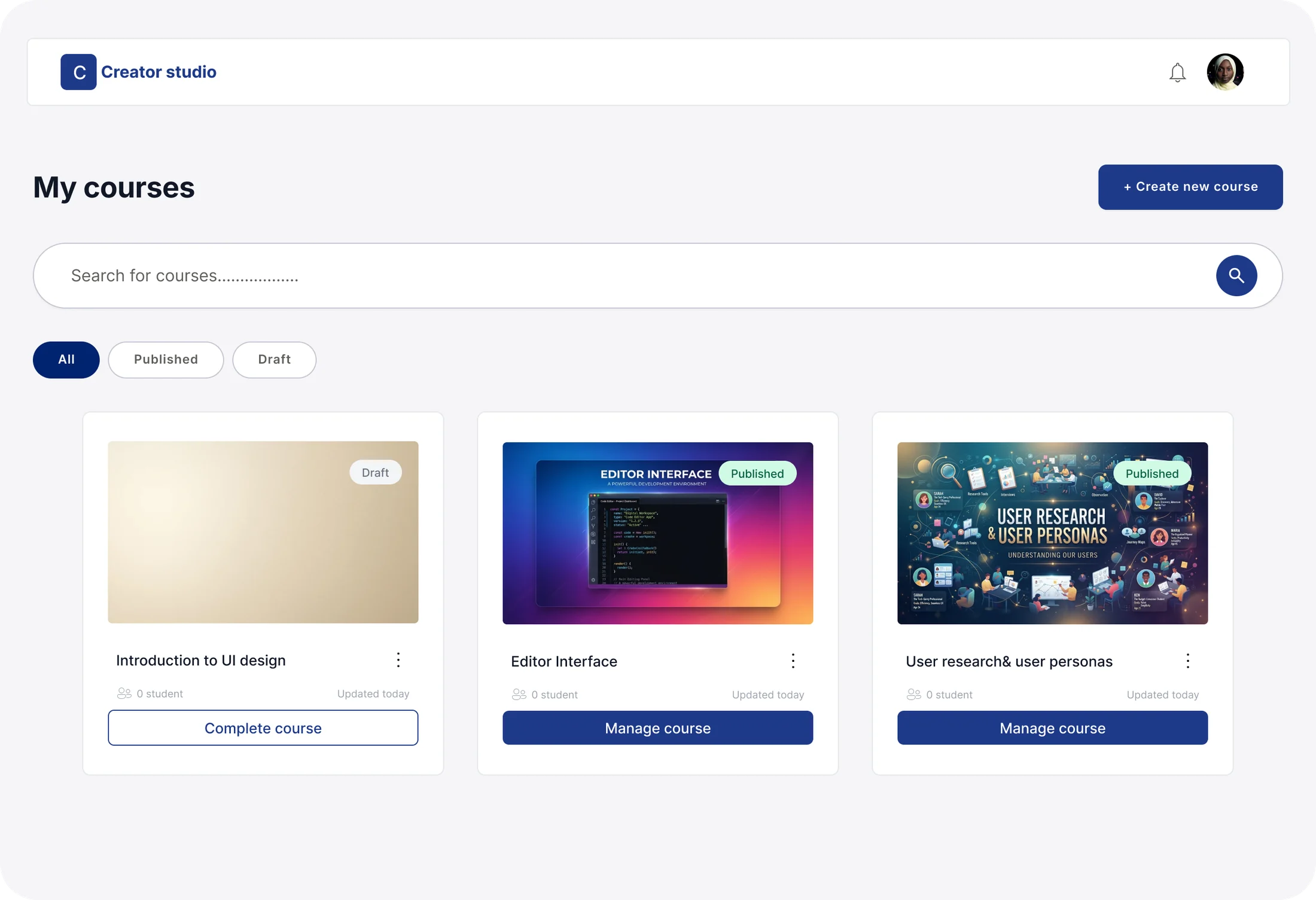
High-fidelity screen: My courses.
S01My courses
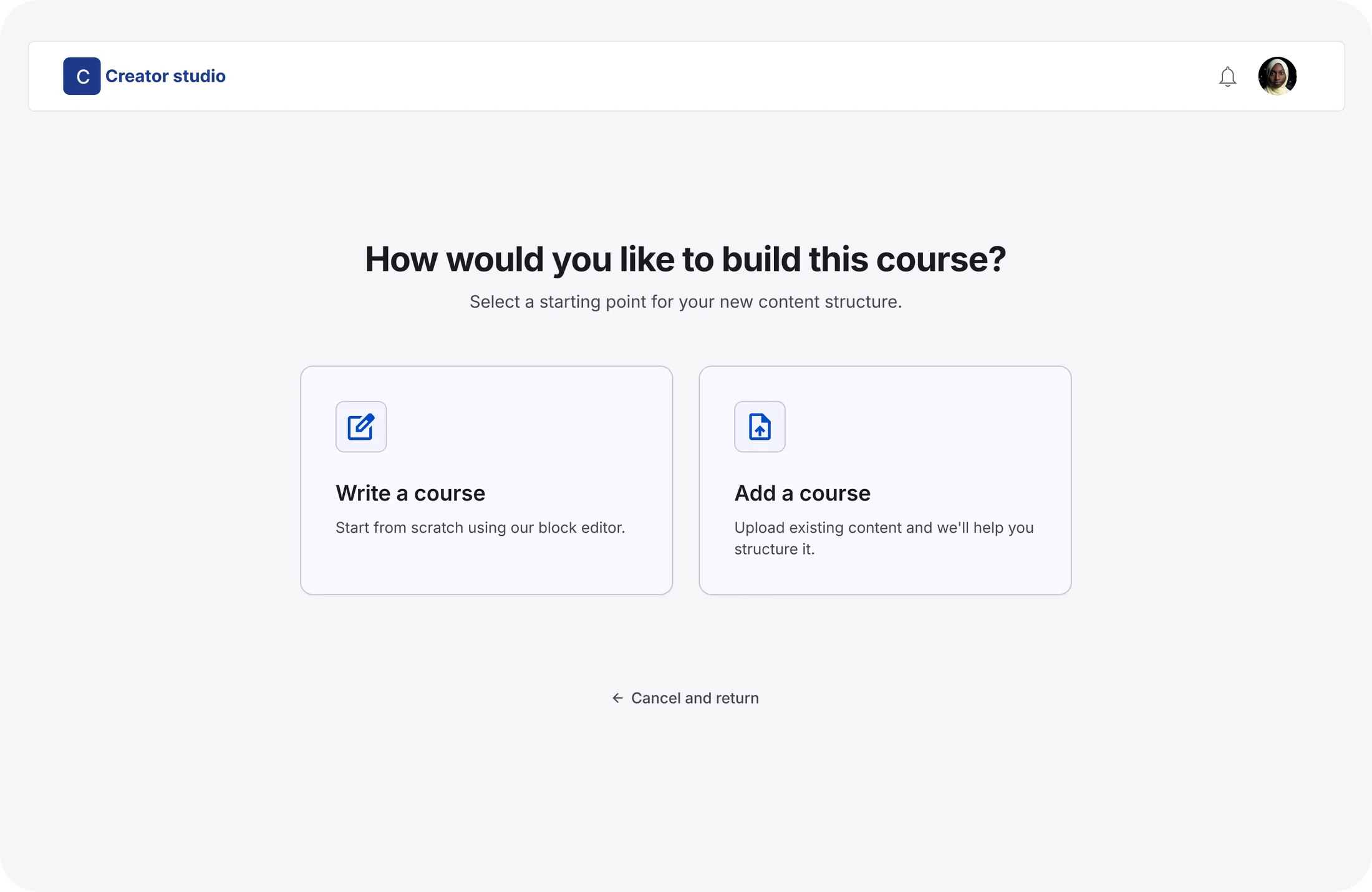
High-fidelity screen: How would you like to build this course?
S02How would you like to build this course?
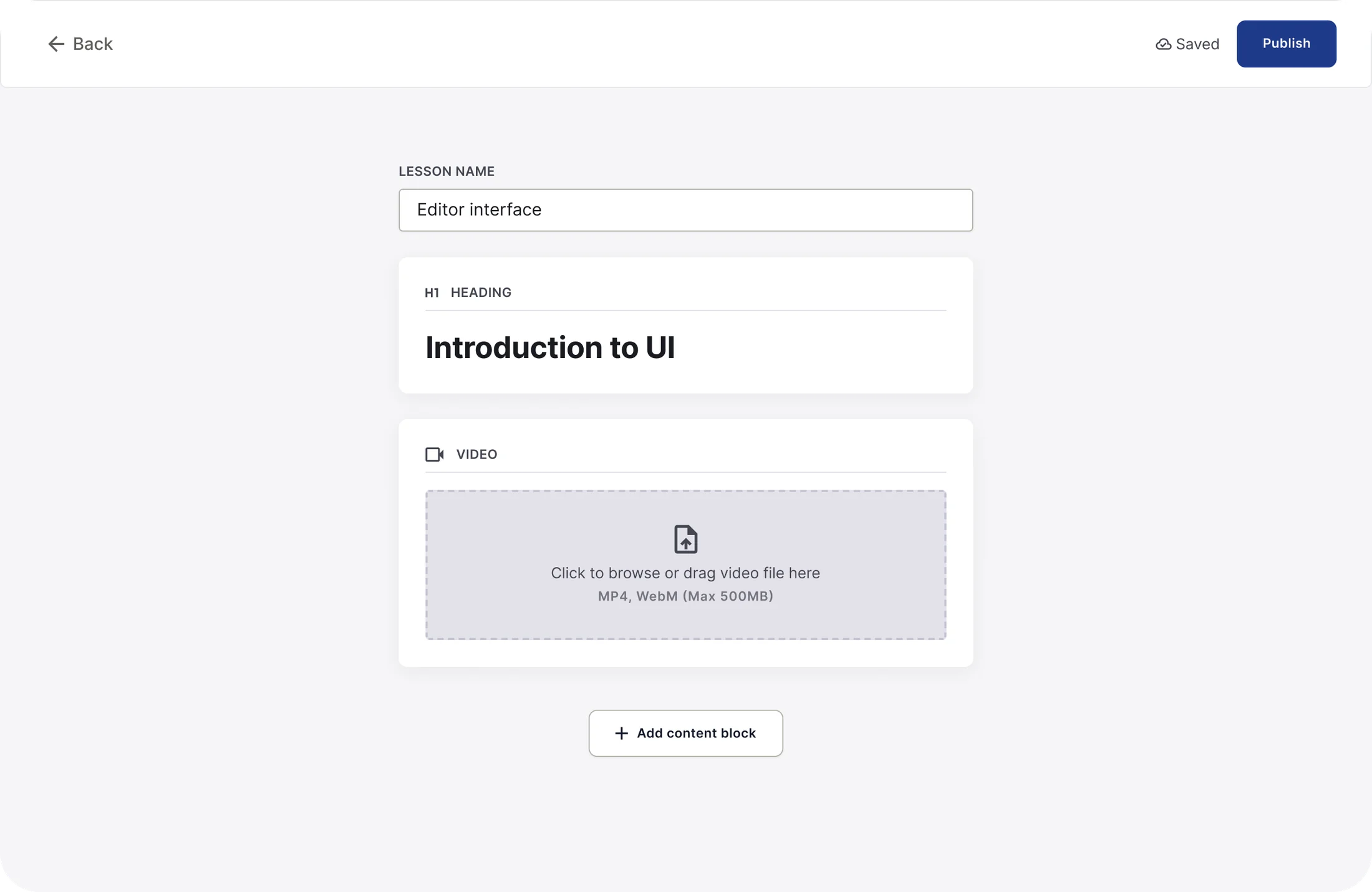
High-fidelity screen: Add course content.
S03Add course content
High-fidelity screen: Add course content, second version.
S04Add course content
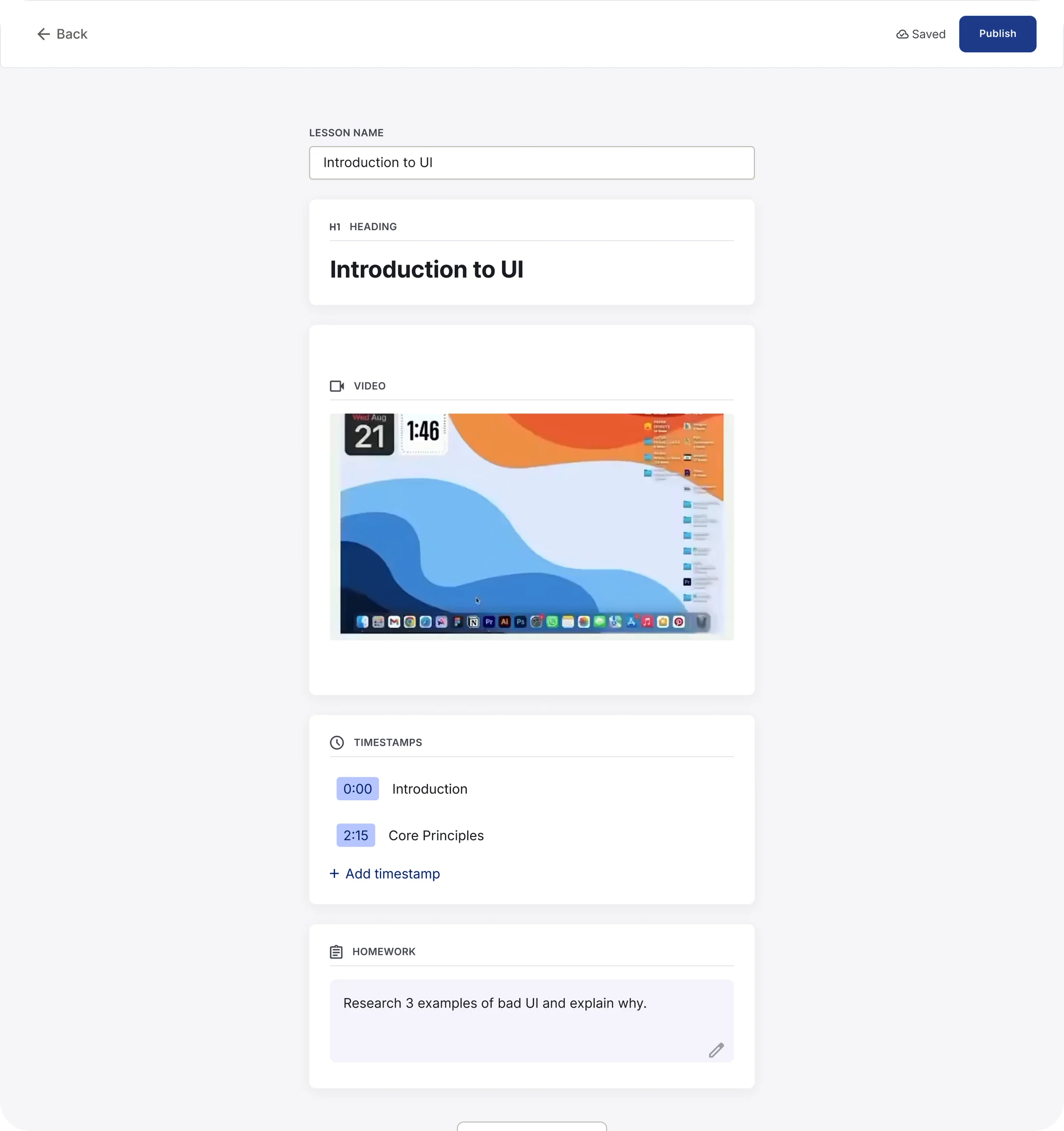
High-fidelity screen: Manual course content, disable state.
S05Manual course content: disabled state
High-fidelity screen: Manual course content, able state.
S06Manual course content: enabled state
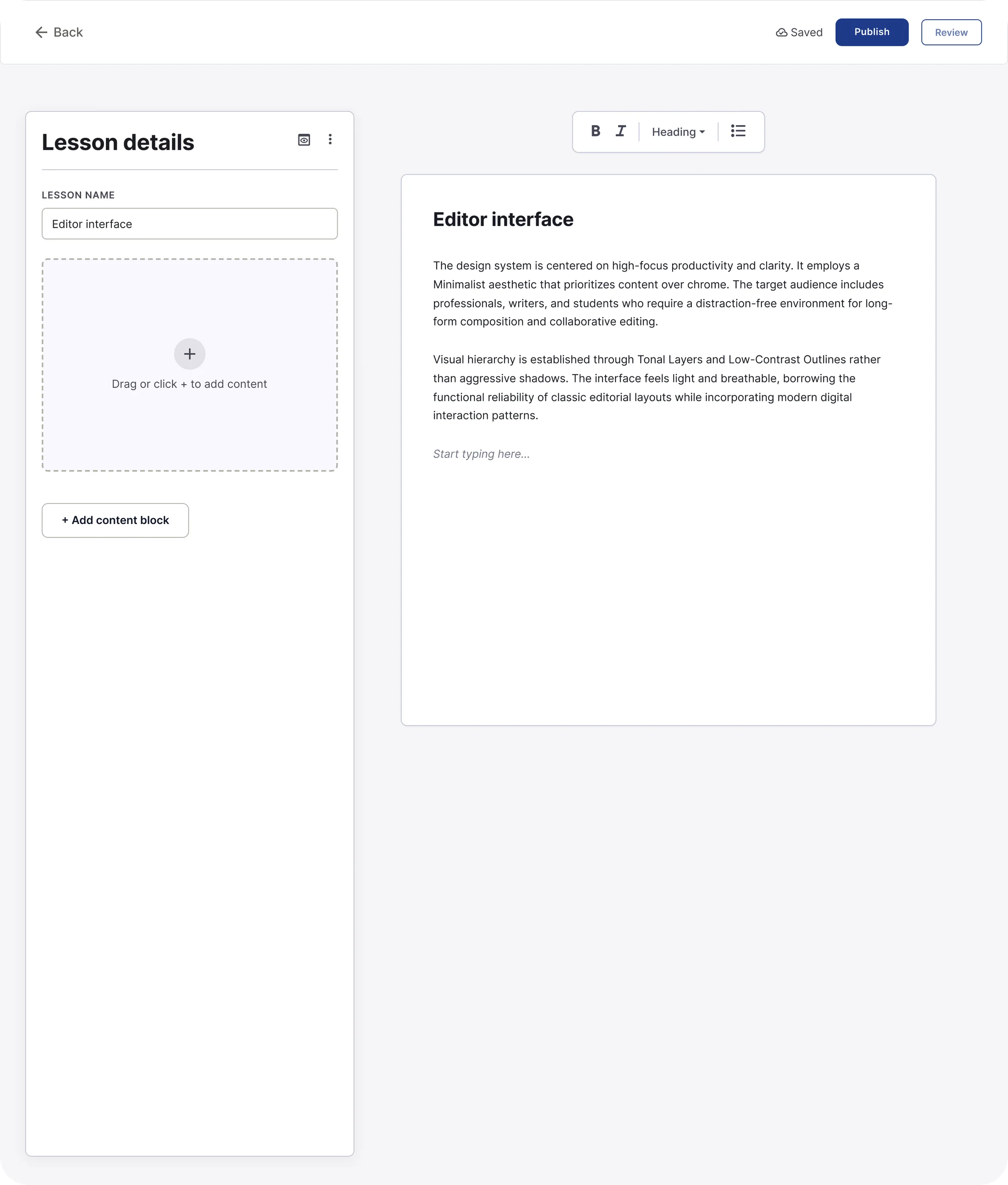
High-fidelity screen: Review course content.
S07Review course content
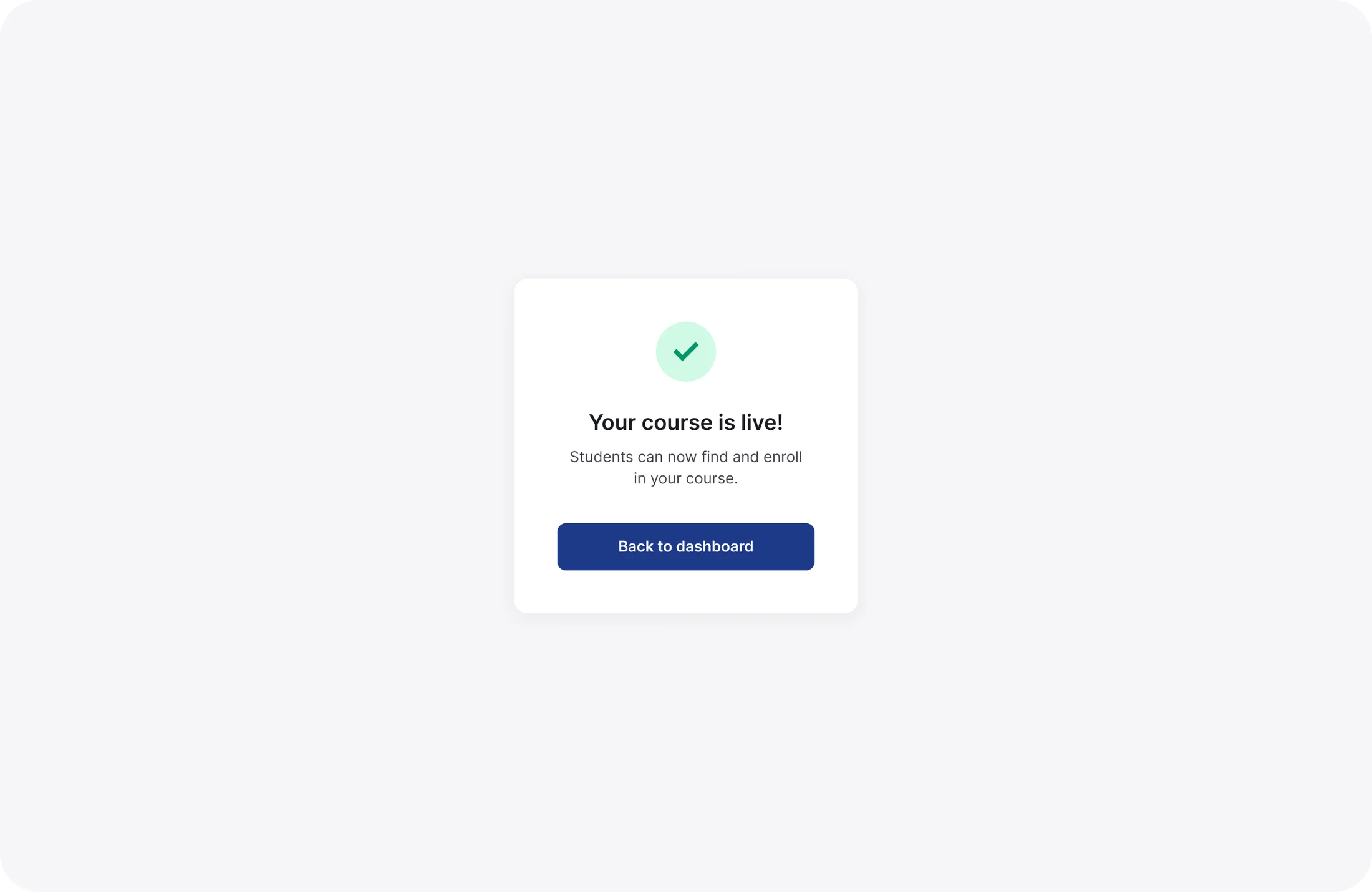
High-fidelity screen: Published.
S08Published
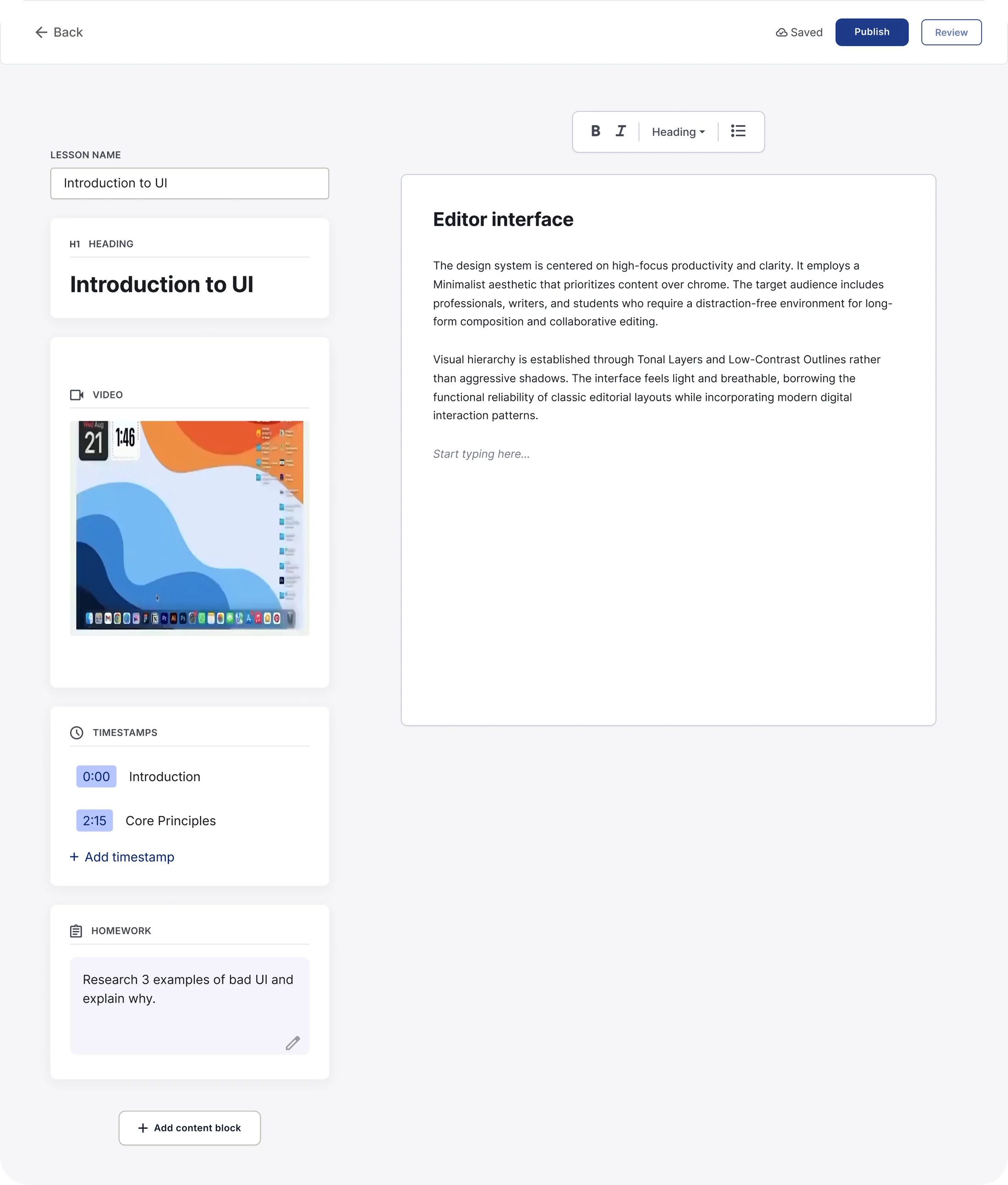
High-fidelity screen: Course preview.
S09Course preview
07 / Style guideDesign system

Colours, type and components.

Colour
Primary#1E3A8A
Background#F5F5F7
Heading text#111827
Body text#4B5563
Published#D1FAE5
Draft#F3F4F6
Typography / Inter
Heading 1Bold · 32px
Heading 2Bold · 24px
Heading 3Semibold · 18px
Body textRegular · 14px
Label / captionRegular · 12px
Components
Manage courseComplete coursePublishedDraft
08 / ContactOpen to a conversation

Let’s talk.

I’m looking for a creative, collaborative team where I can keep learning and solve real problems through design.